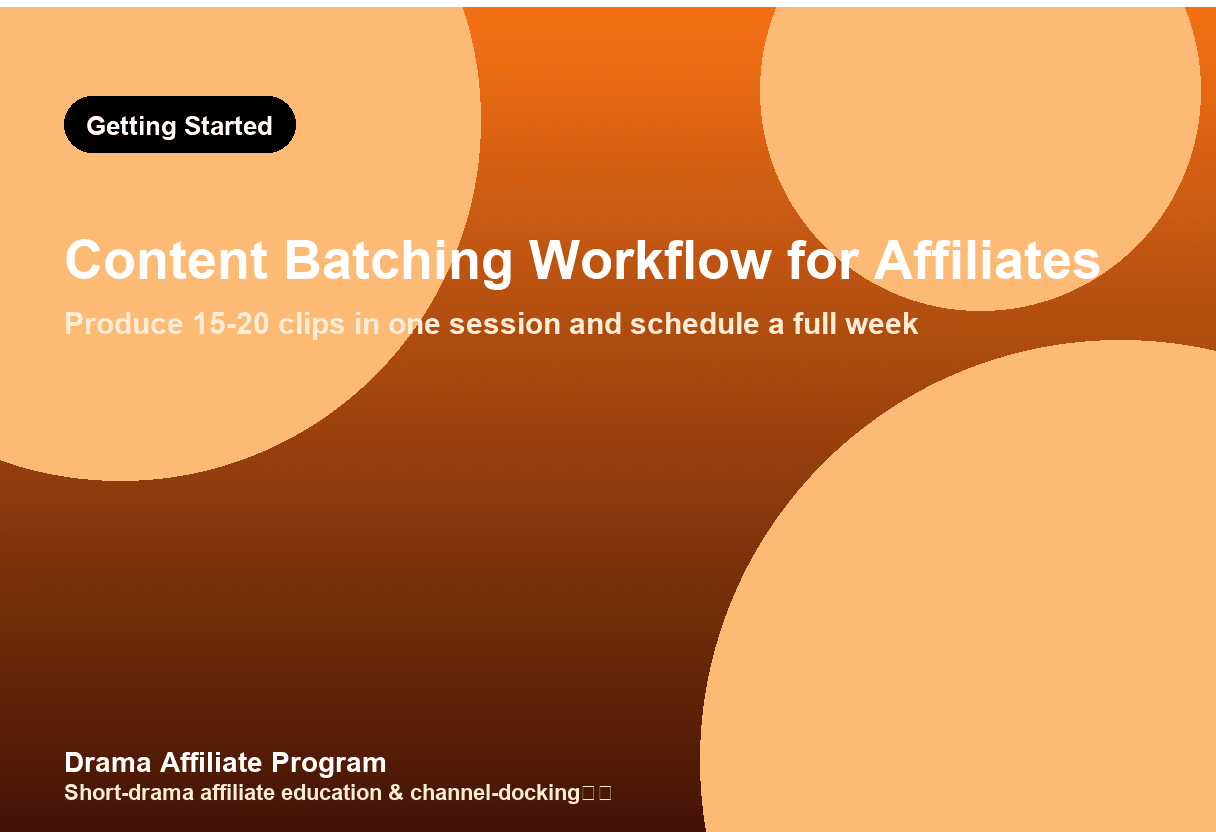
Content Batching Workflow for ReelShort Affiliates: Produce a Week in One Session
How to batch produce 15-20 short drama clips in a single 4-5 hour session. 5-phase workflow: planning, sourcing, editing, post prep, scheduling.
Why Content Batching Matters for ReelShort Affiliates
Posting one clip at a time is a recipe for burnout. The most productive ReelShort affiliates don't work harder — they work in batches, producing 10–20 pieces of content in a single editing session and scheduling them across the week. Content batching is the difference between spending 3 hours per day on content and spending 6 hours once a week for the same output.
This guide covers how to build a batch production workflow: planning, sourcing, editing, exporting, and scheduling multiple clips and posts in one sitting. For editing tool comparisons, see our editing tools roundup. For editing templates, see our editing templates guide.
What Is Content Batching for Affiliate Marketers?
Content batching for affiliate marketers is the practice of producing multiple pieces of content (clips, posts, thumbnails) in a single focused work session, then scheduling them for publication over days or weeks. For ReelShort affiliates, this means selecting 3–5 dramas, creating 5–7 clips from each, writing captions, generating thumbnails, and scheduling everything in one 4–6 hour session — enough content for 2–3 weeks of daily posting across multiple platforms.
The 5-Phase Batch Workflow
Phase 1: Planning (30 minutes)
Before opening any editing tool, plan your batch:
- Select 3–5 dramas from ReelShort that are trending or have strong hooks. See our best dramas guide.
- For each drama, identify 5–7 clip-worthy moments: the betrayal, the reveal, the transformation, the confrontation, the cliffhanger. See our hook formulas and emotional triggers for what makes a moment clip-worthy.
- Assign each clip to a day and platform: Use a simple spreadsheet or calendar.
| Day | Drama | Clip topic | Platform | Hook type |
|-----|-------|-----------|----------|-----------|
| Mon | Drama A | Betrayal scene | TikTok | Indignation |
| Tue | Drama A | Secret reveal | YouTube | Curiosity |
| Wed | Drama B | Transformation | TikTok | Wish-fulfillment |
| Thu | Drama A | Confrontation | Instagram | Schadenfreude |
| Fri | Drama B | Cliffhanger | YouTube | Curiosity |
Phase 2: Sourcing and Organizing (30 minutes)
- Download source clips from the dramas you selected. Keep them organized in folders by drama name.
- Pre-trim: Use a quick pass to cut each source clip to the 20–40 second segment you'll use. Don't add captions or effects yet — just isolate the raw footage.
- Name files systematically: `<drama>-<clip#>-<hook-type>.mp4` (e.g., `fated-love-03-betrayal.mp4`).
Phase 3: Batch Editing (2–3 hours)
This is the core phase. The key to efficiency is doing the same task across all clips before moving to the next task, not finishing one clip completely before starting the next:
- Add captions to all clips (30 min): Use auto-captions in CapCut, then restyle. For caption design, see our caption styling guide.
- Add hooks/text overlays to all clips (20 min): The opening text that appears in the first 3 seconds. See our thumbnail design guide for visual design.
- Add music/sound design to all clips (20 min): See our music guide.
- Add transitions and effects to all clips (20 min): Keep consistent — same transition style across the series.
- Export all clips (30 min): Use the universal export preset from our video specs guide. Export all at once.
Phase 4: Post Preparation (30 minutes)
For each clip, prepare the accompanying post elements:
- Write captions/descriptions: 2–3 sentences with a CTA and relevant hashtags.
- Generate thumbnails (if needed for YouTube): Use our thumbnail design guide.
- Prepare UTM links: Tag each clip's bio link with unique UTMs. See our UTM guide.
- Write pinned comments (for YouTube Shorts): Include the affiliate link with disclosure.
Phase 5: Scheduling (30 minutes)
Schedule everything in advance:
- TikTok: Use TikTok Schedule (available in TikTok Business Center) or a third-party tool.
- YouTube Shorts: Use YouTube Studio's scheduling feature.
- Instagram Reels: Use Meta Business Suite to schedule.
- Blog posts: If you repurpose clips into blog content, see our content repurposing guide.
For multi-platform strategy, see our channel matrix guide and four-platform promotion guide.
Tools for Efficient Batching
| Tool | Purpose | Batch-friendly feature |
|------|---------|----------------------|
| CapCut | Mobile editing | Project duplication + auto-captions |
| Premiere Rush | Desktop editing | Multiple sequences in one project |
| Filmora | Desktop editing | Template-based batch export |
| Canva | Thumbnails/text | Bulk create from spreadsheet |
| Later / Buffer | Scheduling | Cross-platform bulk scheduling |
For detailed tool comparisons, see our editing tools roundup.
Common Batching Mistakes
- Over-batching: Producing 30 clips in one session leads to quality drop. Cap at 15–20 clips per session.
- No variety: All clips from the same drama with the same hook type = audience fatigue. Mix dramas and hook types. See our emotional triggers guide.
- Inconsistent branding: Different fonts, colors, or caption styles across clips looks unprofessional. Create a template and stick to it. See our editing templates.
- Forgetting to schedule: Batching only saves time if you actually schedule the content. Don't let 20 edited clips sit on your hard drive.
- Not tracking results: Batch without measurement is blind. Track which clips perform best and adjust your next batch accordingly. See our KPI dashboard guide.
FAQ
How often should I do a batch session?
Once per week is ideal for most affiliates. A 4–5 hour Sunday session producing 15–20 clips covers the entire week's content across 3 platforms. If you post more than 3 times per day per platform, consider two sessions per week. For scheduling strategy, see our content strategy guide.
How many clips should I produce per batch?
15–20 clips per session is the sweet spot. This covers 5–7 clips per drama across 3 dramas, enough for a week of daily posting on 2–3 platforms. Quality drops significantly after 20 clips in one session — the last clips are always worse than the first. For more on drama selection, see our best dramas guide.
Can I batch content for multiple TikTok accounts?
Yes — this is where batching shines. If you run multiple accounts (see our channel matrix guide), produce different hook variations of the same drama clip for each account in the same session. Just change the opening text, caption style, and music while keeping the core footage. This maximizes ROI on each editing session. For technical specs, see our video specs guide.
Should I batch blog content too?
Yes. Write 3–5 blog posts in one session using the same workflow: outline all, then write all, then edit all. This is 2–3x faster than writing one at a time. For SEO best practices, see our SEO guide. You can also repurpose your clips into blog content — see our content repurposing guide. Find trending dramas to clip on ReelShort.
---
Email partner@shortdramapartner.com for channel-docking consultation and help applying for your ReelShort invitation code through official channels.
This is an independent channel-docking resource. It is not affiliated with or endorsed by ReelShort.
Frequently Asked Questions
How do I get started with Content Batching?
Email partner@shortdramapartner.com to request your invitation code. We send your personal code and a step-by-step onboarding link within 24-48 hours.
How do I join the ReelShort affiliate program?
Email partner@shortdramapartner.com with your name, your promotion channels (TikTok, YouTube, blog, etc.), and an estimate of your monthly traffic. We reply within 24-48 hours with your personal invitation code and registration link.
Do I need any experience to start?
No. Our free guides walk you through every step - from getting your code to publishing your first promo post - so complete beginners can follow along.
How soon can I earn my first commission?
Most new affiliates see their first conversions within 2-4 weeks of consistent daily promotion.
Want Your Own ReelShort Invitation Code?
You just read how it works — now grab your personal code and start promoting. Enter your email and we'll send it right over.
We'll only use your email to send your invitation code and occasional program updates. No spam.
Comments
Comments powered by Giscus will appear here.