Opus Clip vs Vizard: Which AI Clipper Fits Short Drama Promotion
Opus Clip or Vizard? A hands-on comparison for short-drama promoters - clipping style, caption output, rights workflow, and which one deserves your subscription.
AI clippers promise the same magic: feed them a long video, get back scroll-ready vertical shorts. Opus Clip and Vizard are the two names that keep coming up — and if you promote short drama, you will eventually ask which one belongs in your workflow. I use both on real drama promotion work, so this comparison is not a features listicle; it is a verdict on which tool fits which promoter, and where each one wastes your money.
The 60-second comparison
| Dimension | Opus Clip | Vizard |
|-----------|-----------|--------|
| Core strength | AI finds viral moments in any video genre | Transcript-first editing — cut by editing text |
| Caption style | Animated, creator-style | Clean, subtitle-accurate |
| Reframing | Auto-reframe with subject tracking | Vertical reframe + template crops |
| Free tier | Trial credits | Free tier (watermarked) |
| Commission-era pricing | Subscription, monthly | Subscription, monthly |
| Suited to | Creators chasing polish and hooks | Editors who want control via transcript |
Where Opus Clip wins for drama promoters
Drama clips live or die in the first three seconds — the hook formulas only work if the clip actually opens on the moment of conflict. Opus Clip's ClipAnything model is built for exactly this: it does not just find talking heads, it understands scenes, so it can surface the slap, the reveal, the doorstep confrontation from a full episode-style video. The animated caption style also matches what already performs on TikTok, and the auto-reframe keeps faces centered when the source footage is horizontal.
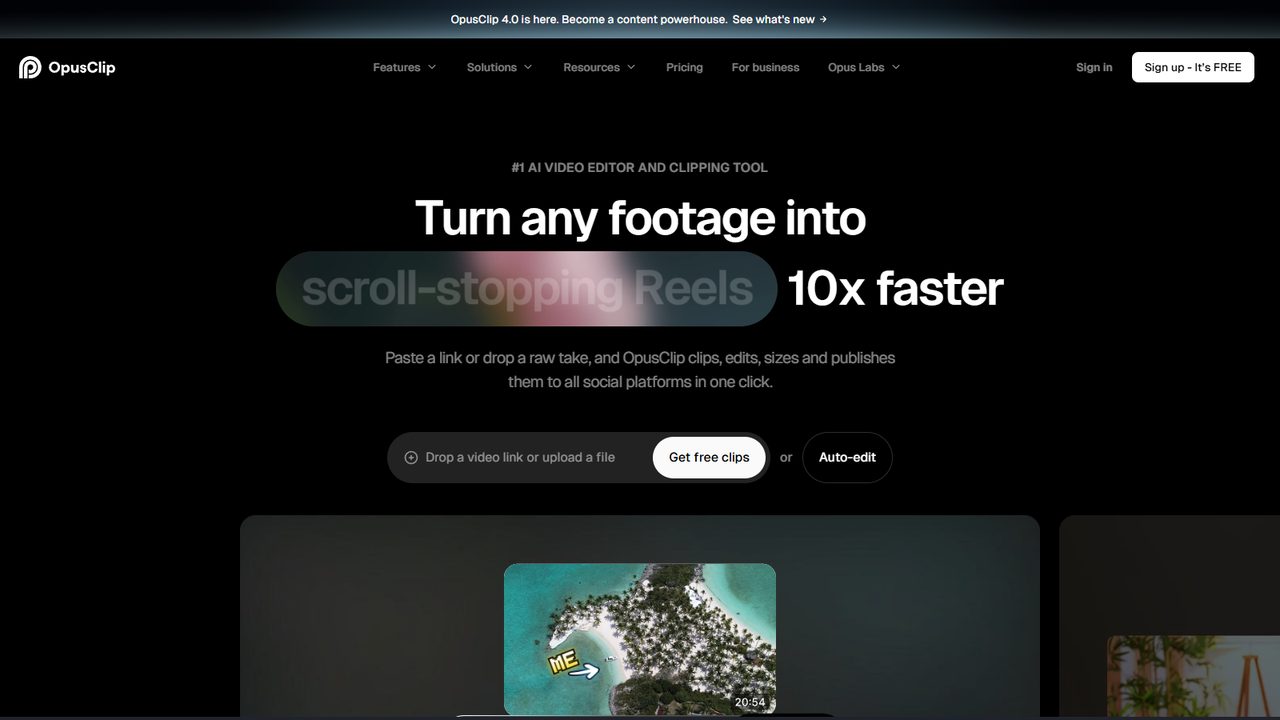
If your workflow is "feed it footage, pick the clips it ranks, then cut before the resolution using the editing templates", Opus Clip is the faster path from raw material to postable clip.
Where Vizard wins
Vizard approaches the same problem from the opposite direction: it transcribes everything first, then lets you edit the video by editing the transcript. For drama promotion that has a specific advantage — dialogue is the skeleton of a drama clip, and being able to read the entire episode, find the line where the betrayal lands, and cut around it is faster than scrubbing a timeline or trusting an AI highlight score.
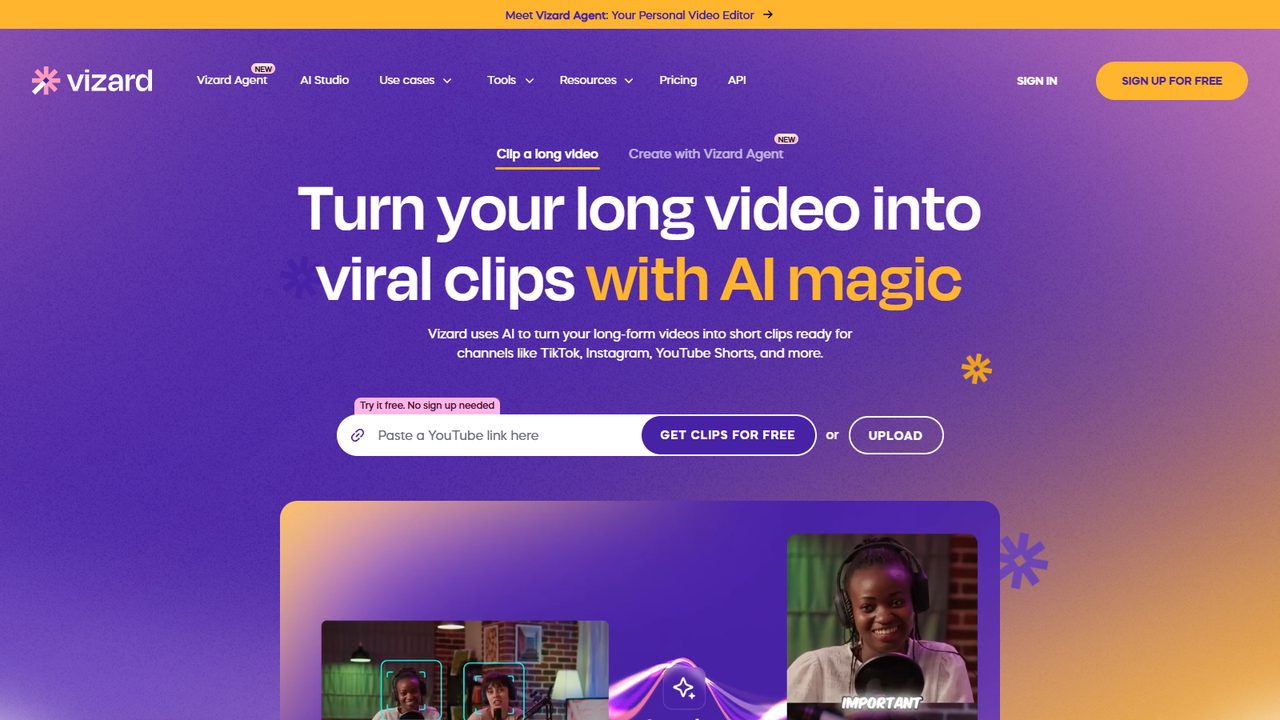
Vizard also earns its place on the business side: if you promote through faceless channels, webinar-style breakdowns, or "story recap" formats, its template-driven output is cleaner for that genre. The free tier is watermarked but genuinely usable, which matters when you are testing a new show before committing budget.
The rights question both tools force you to answer
Here is the part most comparison posts skip: both tools are agnostic about what you feed them, but the platforms are not. Running ripped episodes through an AI clipper does not launder the copyright problem — fingerprint detection ends channels regardless of how polished the edit is. The workflow that survives is: join the program through official channels (the invitation code walkthrough covers the application), work from authorized promotional assets or officially sanctioned app content, and let the AI tool handle packaging — captions, reframing, clip selection — not rights acquisition.
Pricing logic: which one to actually pay for
Both subscriptions are monthly, and both free tiers let you validate before paying. My sequence for drama promoters:
- Start with Vizard's free tier — cut five clips from authorized material, judge the transcript workflow.
- Trial Opus Clip when you want the animated-caption aesthetic and scene-aware clipping for hook-heavy edits.
- Keep the one that matches how you edit; cancel the other. Running both long-term is paying twice for the same job.
For a fuller view of where these two sit among the alternatives, the editing tools roundup covers the wider field.
Common Mistakes when using AI clippers for drama promotion
- Feeding full ripped episodes. This is the fatal one. The clipper will happily process stolen footage; the platform will not forgive it. Rights first, tools second.
- Publishing the AI's clip selection without hook-editing. AI finds "engaging" moments; it does not engineer suspense loops. Apply the cut-before-resolution rule yourself.
- Skipping caption review. Both tools mishear names and genre-specific terms. Wrong subtitles in a dialogue-driven niche destroy credibility.
- Using the same clip output on every platform. TikTok, Reels, and Shorts each reward slightly different lengths and openings — one export does not fit all.
- Judging the tool by the first batch. AI clipping quality varies with source material. Give either tool three different input types before deciding it cannot do the job.
FAQ
Is Opus Clip or Vizard better for beginners?
Vizard, marginally — the transcript editor means you never touch a timeline, and the free tier has no trial countdown. Opus Clip's advantages appear once you care about caption styling and hook polishing.
Can either tool dub or translate my drama clips?
Neither is a dubbing tool. For Mandarin-to-English voiceover workflows, the dedicated AI dubbing guide covers the correct tool for that job.
Do these tools work on mobile?
Both are web-first. You can run them from a phone browser, but the comfortable workflow is: cut and caption on desktop, then post from your phone using the mobile-only promotion workflow.
Will the platforms penalize AI-edited clips?
No — the platforms reward watch time, not editing method. What gets channels banned is unlicensed footage, which is a rights problem, not an AI problem.
Which one converts better if I want to recommend them to my audience?
Both run recurring commission programs with similar rates for the first year. If you promote tools to your own audience, position Opus Clip for creator-style channels and Vizard for recap/breakdown formats — that way you recommend the right tool instead of the same one twice.
The verdict
You do not actually need to pick a winner — you need to pick a fit. Opus Clip if you want scene-aware clipping and TikTok-native caption polish with minimum editing. Vizard if you think in transcripts, want cutting control, or run recap-style formats. Both slot into the same rights-cleared drama workflow, and both free tiers let you decide with your own footage before spending anything.
Related reading: Short Drama Editing Templates · Hook Formulas · First Commission Timeline
Some links in this guide are affiliate links — we may earn a commission at no extra cost to you, and this never affects our verdicts.
This is an independent channel-docking resource. It is not affiliated with or endorsed by ReelShort or any tool reviewed above.
Email partner@shortdramapartner.com for channel-docking consultation and help applying for your ReelShort invitation code through official channels.
Frequently Asked Questions
How do I get started with Opus Clip?
Email partner@shortdramapartner.com to request your invitation code. We send your personal code and a step-by-step onboarding link within 24-48 hours.
How do I join the ReelShort affiliate program?
Email partner@shortdramapartner.com with your name, your promotion channels (TikTok, YouTube, blog, etc.), and an estimate of your monthly traffic. We reply within 24-48 hours with your personal invitation code and registration link.
Do I need any experience to start?
No. Our free guides walk you through every step - from getting your code to publishing your first promo post - so complete beginners can follow along.
How soon can I earn my first commission?
Most new affiliates see their first conversions within 2-4 weeks of consistent daily promotion.
Want Your Own ReelShort Invitation Code?
You just read how it works — now grab your personal code and start promoting. Enter your email and we'll send it right over.
We'll only use your email to send your invitation code and occasional program updates. No spam.
Recommended Tools
Tools our team actually uses to produce and promote short drama clips.
- Opus ClipTurn long drama episodes into scroll-stopping shorts automatically
- SubMagicAuto-captions, emojis and b-roll for short-form video
- ElevenLabsAI voiceovers — dub Mandarin drama clips into natural English
- VizardTurn long recordings into short social clips with transcripts
- GetResponseEmail marketing to grow your own promo audience
- Systeme.ioFree funnels, email and automation for affiliate beginners
Some links above are affiliate links — we may earn a commission at no extra cost to you. This never affects our rankings or recommendations.
Comments
Comments powered by Giscus will appear here.