Vizard Review: Transcript-First Editing for Drama Recap Channels
A working review of Vizard's transcript-first editor for short drama promotion - workflow, caption output, pricing logic, limits, and who should skip it.
Most AI clippers ask you to trust a score: they watch a long video, rank the moments they think will perform, and hand you a list. That works when the video is a podcast or an interview. Short drama is different — the moment worth cutting is a line of dialogue, and you usually know exactly which line it is. That is the gap Vizard fills: it transcribes first and lets you edit the video by editing the text. This is a working review of that transcript-first approach for drama promotion, written from the angle of someone who cuts clips rather than someone who reads feature lists.
How transcript-first editing changes the job
In a timeline editor, finding the betrayal line means scrubbing. In a transcript editor, it means reading — and reading is faster than watching, especially across a forty-minute episode or a batch of source clips. You highlight a sentence, the video jumps to it; you delete a paragraph, the corresponding footage goes with it. For dialogue-driven content, that is a structural advantage, not a convenience.
It also changes what you can produce. Recap and breakdown formats — "here is what actually happened in episode 3" — are built by assembling the right lines in the right order, not by hunting for a visually exciting moment. Transcript editing is native to that format. We covered the format split in the Opus Clip vs Vizard comparison; this review goes deeper on the Vizard side alone.
What Vizard actually gives you
| Feature | What it means for drama clips |
|---|---|
| AI transcript of the full source | Read an entire episode, find the line that lands, cut around it in seconds |
| One-click multi-clip generation | Turn one long video into a batch of vertical shorts, then keep only the usable ones |
| Text-based trimming | Delete filler sentences without touching a timeline |
| Speaker detection | Keeps faces framed when two characters share the scene |
| Auto captions | Clean, subtitle-accurate style; quieter than creator-style animated captions |
| Free tier | Usable with a watermark — enough to test before paying |
| Platform templates | Preset crops and lengths for TikTok, Reels, and Shorts |
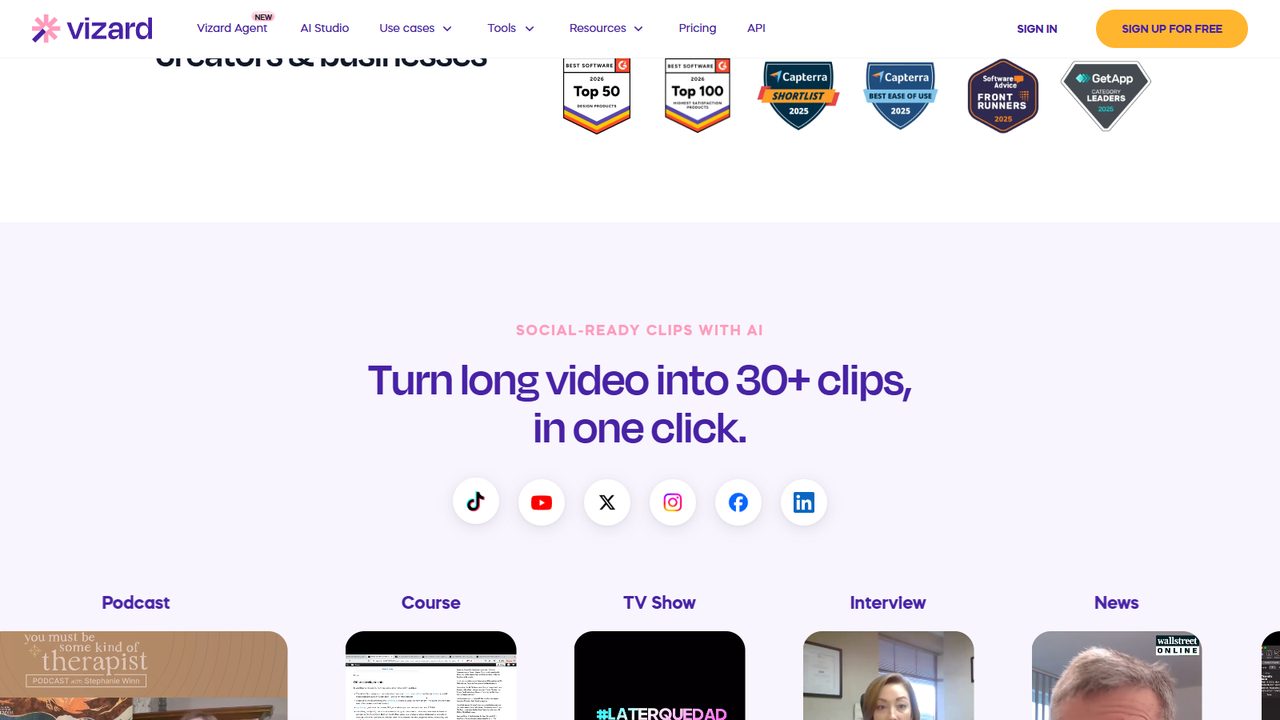
The caption style deserves a note. Vizard's output is legible and restrained, which suits recap channels where the information is the point. If you want the loud, emoji-heavy look that performs in some creator niches, a dedicated caption tool such as the one in our SubMagic review is a better fit. These are different jobs, not competing grades of the same tool.
The drama-clip workflow I actually run
- Start from authorized material. Join through official channels via the invitation code walkthrough and work from the assets covered in the promotional assets guide. No editing tool fixes a rights problem, and fingerprint detection does not care how clean your transcript is.
- Upload the full source and read the transcript. Skim for the three or four lines that carry conflict, reversal, or a reveal.
- Cut by deleting text. Remove the setup that explains too much. Open on the charged line, keep the reaction, cut before the resolution — the hook formulas are selection rules here, not decoration.
- Review the auto captions. Names and honorifics get misheard. One wrong subtitle in a dialogue-driven niche reads as sloppy.
- Export per platform. Presets help, but check the first three seconds on each — opening pacing is not identical across feeds.
- Track the link. Post with a distinct tracking parameter, using the UTM attribution guide, so you can tell which line earned the click.
Where Vizard falls short
Honesty matters more than enthusiasm in a tool review. Vizard does not offer the animated-caption polish that some creator channels run on, and its highlight scoring is not the point of the product — if you want an AI to pick viral moments for you, the scene-aware approach in Opus Clip is a closer match. The free tier's watermark means you cannot ship from it long-term. And transcript accuracy drops with noisy audio or overlapping dialogue, which drama soundtracks often have; plan on a manual pass, not a blind export.
There is also a ceiling on what any clipper can do: none of them resolve authorization, none of them write a hook that creates suspense, and none of them replace knowing where to cut. The editing tools roundup puts that ceiling in context across the wider field.
Pricing logic
Vizard runs on a monthly subscription with a free, watermarked tier. My sequence for drama promoters: cut five clips from authorized material on the free tier and judge whether reading a transcript really is faster for your source type. If it is, upgrade to remove the watermark and raise export volume. If you find yourself fighting the text editor and scrubbing anyway, do not upgrade — you are a timeline person, and the money belongs elsewhere. Stage-by-stage spending is mapped in the tool stack budget guide.
Common Mistakes when using Vizard for drama clips
- Trusting the transcript without reading it. Overlapping dialogue and music produce wrong lines; export only after a manual pass.
- Letting the batch generator decide your hooks. Ten generated clips are ten candidates, not ten publishable edits. Cut before the resolution yourself.
- Feeding unlicensed episodes. The tool is agnostic; the platforms are not. Rights first, always.
- Expecting animated captions. That is not Vizard's design. Pair it with a caption tool instead of judging it against one.
- Upgrading before a test batch. The watermark is annoying but informative — use the free tier to learn your own workflow before paying.
FAQ
Is Vizard good for short drama recaps specifically?
Yes, that is its strongest fit here. Recaps are assembled from dialogue, and editing by transcript is faster than scrubbing for that format.
Can Vizard find viral moments automatically?
It generates multiple clips in one pass, but its strength is control via the transcript, not scene-aware highlight detection. Treat generated clips as a starting set to edit.
Does the free tier work for publishing?
It is usable for testing but watermarked. For published clips you will want a paid tier, after you have validated the workflow on your own footage.
How accurate are the captions on Mandarin-sourced content?
If the source is dubbed or carries English audio, captions are reasonably accurate with review. For Mandarin audio you need an English track first — the AI dubbing workflow covers that step.
Do I need both Vizard and a caption tool?
Only if your channel needs styled captions. Many recap channels ship clean Vizard captions alone; others add a styling pass. Decide from your retention data.
Verdict
For the promoter who thinks in dialogue rather than shots, Vizard is the most direct path from a long drama source to a controlled, readable clip. It will not pick your hooks, style your captions, or solve your rights — and it does not pretend to. Use the free tier to confirm that transcript editing matches how you work, then pay for the watermark removal once the clips are already earning clicks.
Related reading: Opus Clip vs Vizard · AI Dubbing Workflow · SubMagic Review · Editing Tools Roundup · Hook Formulas
Some links in this guide are affiliate links — we may earn a commission at no extra cost to you, and this never affects our verdicts.
This is an independent channel-docking resource. It is not affiliated with or endorsed by ReelShort or any tool reviewed above.
Email partner@shortdramapartner.com for channel-docking consultation and help applying for your ReelShort invitation code through official channels.
Frequently Asked Questions
How do I get started with Vizard Review?
Email partner@shortdramapartner.com to request your invitation code. We send your personal code and a step-by-step onboarding link within 24-48 hours.
How do I join the ReelShort affiliate program?
Email partner@shortdramapartner.com with your name, your promotion channels (TikTok, YouTube, blog, etc.), and an estimate of your monthly traffic. We reply within 24-48 hours with your personal invitation code and registration link.
Do I need any experience to start?
No. Our free guides walk you through every step - from getting your code to publishing your first promo post - so complete beginners can follow along.
How soon can I earn my first commission?
Most new affiliates see their first conversions within 2-4 weeks of consistent daily promotion.
Want Your Own ReelShort Invitation Code?
You just read how it works — now grab your personal code and start promoting. Enter your email and we'll send it right over.
We'll only use your email to send your invitation code and occasional program updates. No spam.
Recommended Tools
Tools our team actually uses to produce and promote short drama clips.
- Opus ClipTurn long drama episodes into scroll-stopping shorts automatically
- SubMagicAuto-captions, emojis and b-roll for short-form video
- ElevenLabsAI voiceovers — dub Mandarin drama clips into natural English
- VizardTurn long recordings into short social clips with transcripts
- GetResponseEmail marketing to grow your own promo audience
- Systeme.ioFree funnels, email and automation for affiliate beginners
Some links above are affiliate links — we may earn a commission at no extra cost to you. This never affects our rankings or recommendations.
Comments
Comments powered by Giscus will appear here.