The Short Drama Affiliate Tool Stack: What to Pay for, and When
A stage-by-stage spending rule for short drama promoters: which tool removes which bottleneck, when a subscription earns its place, and when to skip it.
Tool subscriptions are the easiest expense to accumulate and the hardest to justify in short drama promotion. Every product promises to save you an hour, and none of them matter if your clips are not yet earning clicks. The question is not "which tools should I own" but "which single bottleneck am I paying to remove right now". This guide maps the stack stage by stage — cutting, captions, dubbing, and funnel — with an explicit rule for when each subscription earns its place and when to skip it. We keep a live list on the recommended tools page; this article explains the reasoning behind it.
The core rule: pay in the order your workflow breaks
Your first thirty clips should cost nothing beyond time. A free editor, a free caption pass, licensed footage, and a spreadsheet for tracking are a complete starting operation. Subscriptions become rational only when a specific stage is provably slowing you down and the clips before that stage are already converting.
That sequence matters because tools amplify a working process. AI clipping applied to clips that never held viewers produces more clips nobody watches. Dubbing applied to a cut that never earned a click produces an expensive version of the same failure. Prove the stage before you pay for it — the first commission timeline sets the honest clock for when any of this should be measured.
The four-stage stack
| Stage | Bottleneck it removes | Tool type | Our pick | Pay when | Skip when |
|---|---|---|---|---|---|
| 0 · Foundation | Nothing yet | Free editor + tracking sheet | Whatever you already use | Never | Cost is zero by definition |
| 1 · Cutting | Scrubbing long sources for the right moment | AI clipper | Opus Clip or Vizard | Published clips earn clicks and sourcing is the slowdown | You cut fewer than a handful per week |
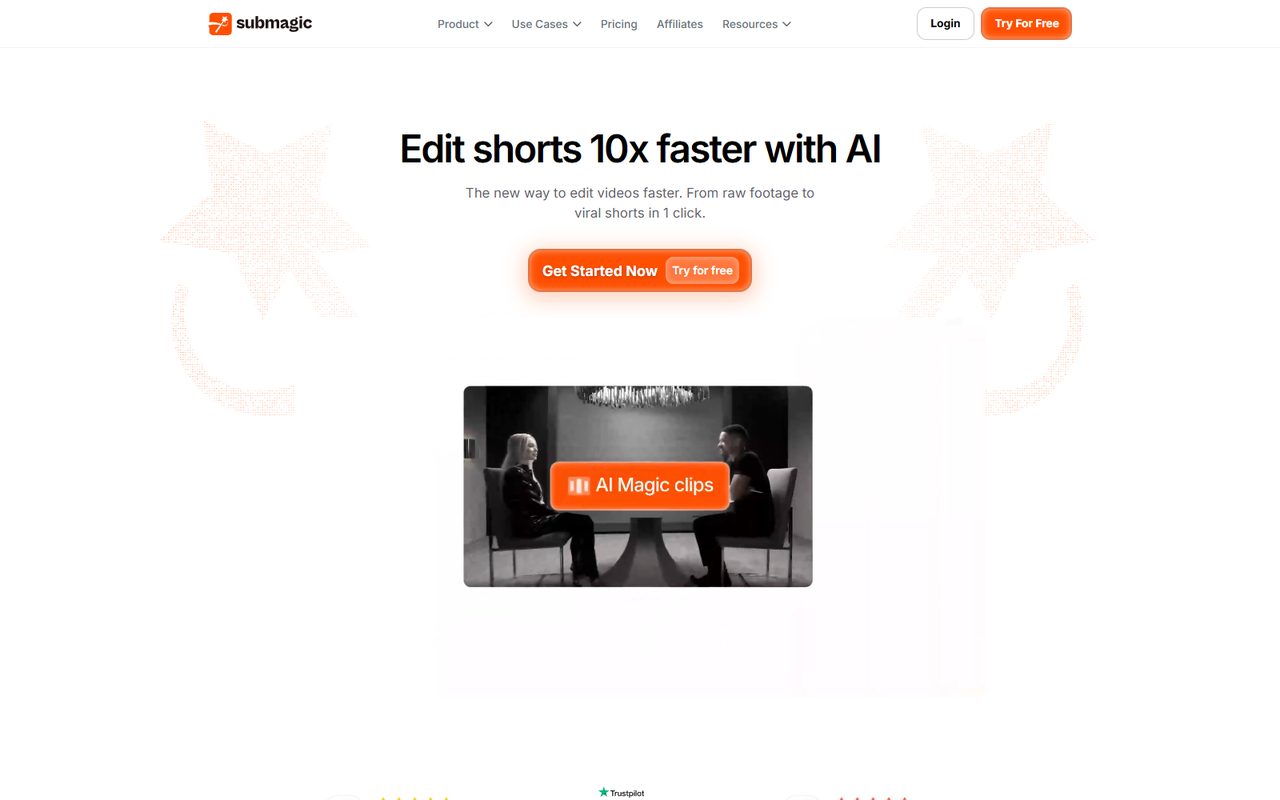
| 2 · Captions | Muted viewers dropping in the first seconds | Caption styling | SubMagic | Your clips need the styled look and manual captioning eats hours | Plain accurate captions already hold retention |
| 3 · Localization | Mandarin audio blocking English-speaking viewers | AI dubbing | ElevenLabs | A subtitled clip is proven and you want it in another language | Your audience already understands the source audio |
| 4 · Capture | Traffic vanishing without a follow-up | Funnel + email | Systeme.io | People ask about the program and you answer them in DMs | No inbound interest yet |
GetResponse also sits in the email category and is a solid standalone option for list management; we list it on the tools page without a commercial relationship, because a stack should be honest about which recommendations carry a commission and which do not.
Stage 1: one clipper, not two
Opus Clip and Vizard solve the same bottleneck from opposite directions — scene-aware highlight detection versus transcript-first control. Running both long-term is the most common wasted subscription in this stack. Trial the free tier of each on the same three authorized source clips, keep the one that matches how your hands actually work, cancel the other. The Opus Clip vs Vizard comparison gives the decision test; the Vizard review goes deep on transcript editing if that is your direction. The wider field is in the editing tools roundup.
Stage 2: captions are a retention decision, not a design one
Autoplay feeds start silent. If viewers cannot read the story in that window, they scroll — styled captions are an intervention at that specific point. Test one week of styled versus plain captions on the same cut. If watch time moves, the subscription pays for itself; if it does not, your problem is the hook, not the font. The SubMagic review walks through the workflow and its limits, and the hook formulas cover the part styling cannot fix.
Stage 3: dub proven clips only
AI dubbing turns one Mandarin source clip into an English asset, but it costs generation volume and review time. Dub your two or three highest-performing subtitled clips first, with consistent voice assignments across a series. Machine translation still needs a human pass on drama-specific phrasing. The full sequence lives in the AI dubbing workflow. If the original clips never converted, skip this stage entirely.
Stage 4: own the relationship
Once people start asking about the program, a funnel stops being a nice-to-have. A single landing page, a tagged form, and a three-email sequence turn platform attention into an address you can reply to later. Systeme.io covers all three under one free tier; the build steps are in the Systeme.io funnel guide. Tag every source with UTMs from day one, using the attribution guide, or you will never know which stage actually produced the subscriber.
What a sane monthly budget looks like
There is no universal number, but there is a universal ceiling: total tool spend should stay below what the channel demonstrably returns, and each subscription should have a date attached — the day you check whether it changed a number you care about. For a solo promoter, that usually means zero to two paid tools at any one time. The time budget guide frames the other scarce resource: a tool that saves twenty minutes but adds a monthly bill and a new interface is only a win if the minutes were going into clips that convert.
Common Mistakes when budgeting a promotion tool stack
- Buying the whole stack before the first published clip. Tools amplify a working process; they do not create one.
- Keeping two clippers because each has one nice feature. Pick the workflow, not the feature list.
- Dubbing before captions are proven. Localization is an amplifier, not a rescue for a weak cut.
- Ignoring the free tiers. Nearly every tool here lets you validate on real footage before paying.
- Never cancelling anything. Put a review date on every subscription. If it did not move retention, output volume, or subscribers, cancel it.
- Letting tool research replace publishing. The editor-only path exists precisely because the skill is selection and rhythm, not software procurement.
FAQ
Which single tool should I start with?
None, if you have not published yet. Once clipping becomes the bottleneck, pick one AI clipper on a free tier and judge it on three real clips.
Do I need both Opus Clip and Vizard?
No. They remove the same bottleneck. Trial both, keep one, cancel the other — this is the clearest saving in the stack.
When does AI dubbing become worth paying for?
When a subtitled clip already earns clicks and you want that same cut to work in an English-speaking market. Dub proven clips, not untested ones.
Can I build a funnel for free?
Yes — a page, a form, and a short automation are within the free tier of Systeme.io. Upgrade only when list growth exceeds the allowance.
How do I know if a tool is paying off?
Name the metric before subscribing: watch time for captions, clips per hour for a clipper, subscribers for a funnel. Check it after three weeks; keep or cancel on the number.
Verdict
A tool stack is a sequence of decisions, not a shopping list. Start free, find the stage that actually slows you down, pay for exactly one tool at that stage, and attach a review date to the subscription. Our recommended tools page lists what is currently in the stack and discloses which links carry a commission; the guides linked above explain where each one earns its place. That is the whole method — spend on evidence, not on the promise of speed.
Related reading: AI Tools Guide · Editing Tools Roundup · First Commission Timeline · Promotion Time Budget · Systeme.io Funnel Guide
Some links in this guide are affiliate links — we may earn a commission at no extra cost to you, and this never affects our verdicts.
This is an independent channel-docking resource. It is not affiliated with or endorsed by ReelShort or any tool reviewed above.
Email partner@shortdramapartner.com for channel-docking consultation and help applying for your ReelShort invitation code through official channels.
Frequently Asked Questions
How do I get started with The Short?
Email partner@shortdramapartner.com to request your invitation code. We send your personal code and a step-by-step onboarding link within 24-48 hours.
What commission rates does ReelShort pay?
ReelShort uses a tiered system that scales with your results, reaching up to 30% for top performers. The more quality traffic you send, the higher your rate.
How does the sub-affiliate system work?
You receive your own invitation codes, recruit other promoters as sub-affiliates, and earn a bonus on their earnings - without reducing their commission. It is how earnings compound.
When are affiliates paid?
Earnings appear in your dashboard in real time and are paid out on the program's standard monthly schedule once you clear the minimum threshold.
Want Your Own ReelShort Invitation Code?
You just read how it works — now grab your personal code and start promoting. Enter your email and we'll send it right over.
We'll only use your email to send your invitation code and occasional program updates. No spam.
Recommended Tools
Tools our team actually uses to produce and promote short drama clips.
- Opus ClipTurn long drama episodes into scroll-stopping shorts automatically
- SubMagicAuto-captions, emojis and b-roll for short-form video
- ElevenLabsAI voiceovers — dub Mandarin drama clips into natural English
- VizardTurn long recordings into short social clips with transcripts
- GetResponseEmail marketing to grow your own promo audience
- Systeme.ioFree funnels, email and automation for affiliate beginners
Some links above are affiliate links — we may earn a commission at no extra cost to you. This never affects our rankings or recommendations.
Comments
Comments powered by Giscus will appear here.