From Source Clip to Published Post: A Repeatable Short Drama Promotion Workflow
The eight-stage short drama promotion pipeline: rights gate, selection, cut, captions, dubbing, packaging, tracking, and capture - with a tool at each stage.
The difference between a promoter who ships three clips a week and one who ships fifteen is rarely talent. It is whether the work is a sequence or a fresh decision every time. When sourcing, cutting, captioning, dubbing, and tracking are separate improvisations, each clip costs a full round of thinking. When they are a fixed pipeline, only one step needs judgment: the cut. This is the repeatable workflow we use to move a rights-cleared short drama source to a published, tracked post — with the tools attached to the exact stage where they belong. Our recommended tools page lists the stack; this article is how it runs.
The pipeline at a glance
| Step | What happens | Tool at this stage | Output | Gate before moving on |
|---|---|---|---|---|
| 0 · Rights | Confirm the material is authorized | Official program assets | Cleared source file | Never skip — no tool fixes this |
| 1 · Select | Find candidate moments in the source | Opus Clip or Vizard | Ranked shortlist or transcript markers | Does the moment carry conflict or a reveal? |
| 2 · Cut | Open on the charge, cut before resolution | Your editor + templates | 20-45s vertical cut | Is a question left unanswered? |
| 3 · Caption | Make the silent window readable | SubMagic | Styled, reviewed captions | Can a muted viewer follow it? |
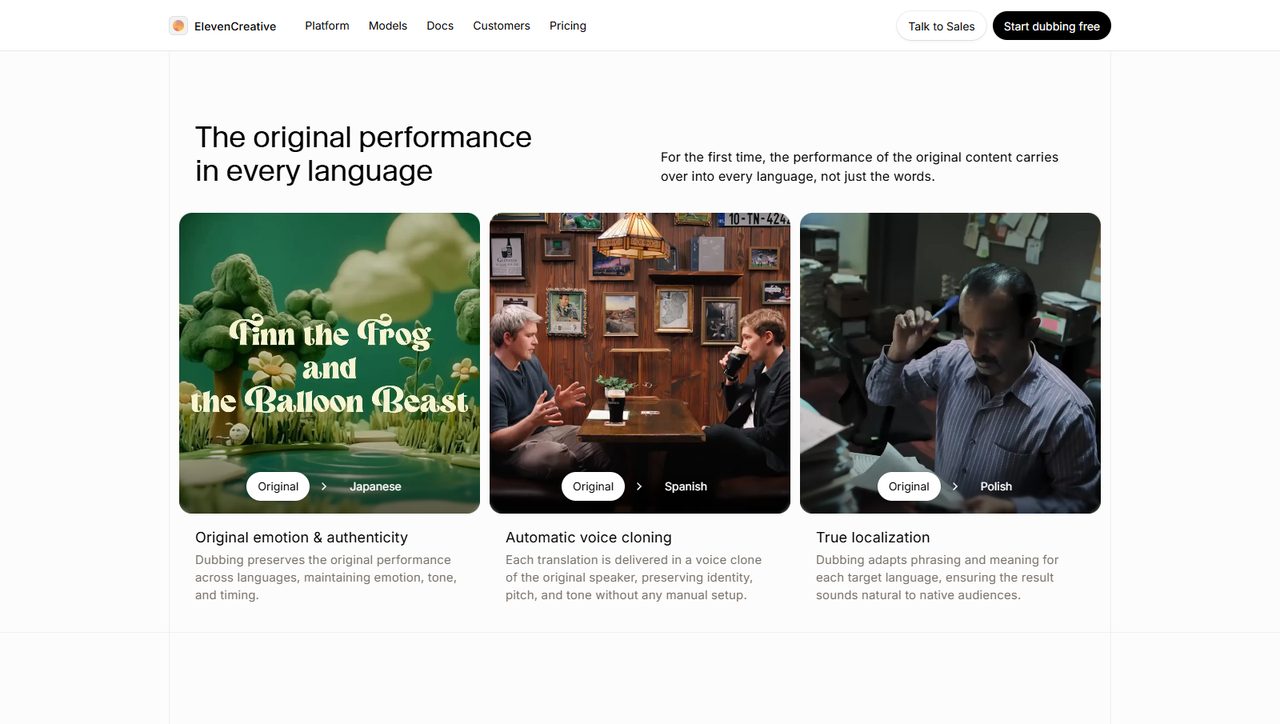
| 4 · Localize | Optional English track for Mandarin audio | ElevenLabs | Dubbed audio, per-character voices | Is pacing aligned with mouths? |
| 5 · Package | Platform-specific opening and text | Editor presets | Three exports | Does the first 3s work on each feed? |
| 6 · Track | Attach attribution and log the post | UTM + sheet | Published, tagged post | Is the link distinct per source? |
| 7 · Capture | Route interested viewers to an owned list | Systeme.io | Tagged subscriber | Does the funnel match the promise? |
Step 0 is the gate, not a formality
Every downstream tool is agnostic about what you feed it. Platforms are not. Work from official assets and officially sanctioned app content — the invitation code walkthrough covers joining through official channels, and the promotional assets guide draws the usage lines. Fingerprint detection ends channels regardless of how polished the edit is. If the source fails this gate, the pipeline stops here; there is no later step that launders it.
Steps 1-2: selection and the one judgment call
Two clippers approach the same source differently. Opus Clip ranks scene-level moments; Vizard lets you find a line by reading the transcript. Trial both on the same three sources, keep one, cancel the other — running both long-term is paying twice for one bottleneck. The decision test is in the Opus Clip vs Vizard comparison, with deeper reviews of the Opus Clip and Vizard workflows.
The cut itself is the part no tool automates. Open on the moment of conflict, explain just enough to orient, add a new question before the first one resolves, and cut before the answer. The hook formulas and editing templates turn that into selection rules you can apply in seconds rather than re-deriving per clip.
Steps 3-4: the retention layers
Autoplay feeds start silent, so captions are story delivery in the first seconds, not decoration. Style them for the tone of the scene, review every line for misheard names, and test styled versus plain on the same cut before assuming the subscription pays off — the SubMagic review covers that workflow.
Dubbing is optional and should come last among the editing layers. Dub only clips that already hold viewers with captions, keep voice assignments consistent across a series, and review the translated transcript for drama-specific phrasing. The full sequence is in the AI dubbing workflow. Adding an English track to an untested cut produces a more expensive version of the same failure.
Steps 5-7: packaging, tracking, capture
Exports are not interchangeable: TikTok, Reels, and Shorts reward slightly different openings and lengths. Check the first three seconds of each render rather than trusting one preset. Then attach a distinct tracking parameter per source using the UTM attribution guide and log the post in a sheet — without that, three weeks of work produces no usable data. The posting schedule guide and content batching workflow cover the rhythm.
Finally, give interested viewers somewhere to go that you own. One page, a tagged form, and a short sequence via the Systeme.io funnel guide, with the follow-up logic in the email nurture guide. Platform attention is rented; the list stays.
Batching: run the pipeline by stage, not by clip
Do step 1 for five sources, then step 2 for all five cuts, then captions for all five. Switching tools once per stage is dramatically faster than switching tools once per clip, and it makes quality comparisons honest because you see a batch together. The editing workflow guide and time budget guide explain why the same volume takes a fraction of the hours when staged this way.
Common Mistakes in a clip production workflow
- Starting at step 1 with unauthorized footage. No amount of editing or dubbing changes the rights answer.
- Running both clippers in the same pipeline. They remove the same bottleneck; one is enough after the trial.
- Dubbing before captions are proven. Localization amplifies a working cut, not a weak one.
- Skipping the tracking log. Untracked views teach you nothing about which source or hook produced the click.
- Re-deciding the tool stack per clip. A pipeline only saves time if the stages stay fixed long enough to measure.
- Publishing a batch without a first-three-seconds check on each export. Presets are a starting point, not a QA pass.
FAQ
Do I need every tool in this pipeline?
No. Step 0 plus your existing editor is a complete starting workflow. Add one tool at the stage that provably slows you down, using the tool stack budget guide.
Which stage should I batch first?
Selection. Finding moments across several sources in one sitting removes the costliest context switch in the whole process.
When should dubbing enter the workflow?
After a captioned cut already holds viewers. Dub proven clips, with consistent voices across a series.
How do I know the pipeline is working?
Track clips per session and watch time by source. If batching raises output but retention falls, the cut step needs attention, not more tools.
What belongs in the log for each post?
Source, hook type, platform, tracking parameter, publish date, and the retention number a week later. Six fields are enough to spot patterns.
Verdict
A repeatable workflow turns short drama promotion from a series of one-off creative decisions into a pipeline with a single judgment point. Rights first, one clipper, one cut rule, captions before dubbing, a tracking log on every post, and an owned list at the end. Add tools only at the stage that breaks, and keep the stages fixed long enough for the numbers to mean something. That is the whole operating system — everything else is a feature list.
Related reading: Tool Stack Budget · Opus Clip Review · Vizard Review · AI Dubbing Workflow · Hook Formulas · Editing Workflow Guide
Some links in this guide are affiliate links — we may earn a commission at no extra cost to you, and this never affects our verdicts.
This is an independent channel-docking resource. It is not affiliated with or endorsed by ReelShort or any tool reviewed above.
Email partner@shortdramapartner.com for channel-docking consultation and help applying for your ReelShort invitation code through official channels.
Frequently Asked Questions
How do I get started with From Source?
Email partner@shortdramapartner.com to request your invitation code. We send your personal code and a step-by-step onboarding link within 24-48 hours.
How do I join the ReelShort affiliate program?
Email partner@shortdramapartner.com with your name, your promotion channels (TikTok, YouTube, blog, etc.), and an estimate of your monthly traffic. We reply within 24-48 hours with your personal invitation code and registration link.
Do I need any experience to start?
No. Our free guides walk you through every step - from getting your code to publishing your first promo post - so complete beginners can follow along.
How soon can I earn my first commission?
Most new affiliates see their first conversions within 2-4 weeks of consistent daily promotion.
Want Your Own ReelShort Invitation Code?
You just read how it works — now grab your personal code and start promoting. Enter your email and we'll send it right over.
We'll only use your email to send your invitation code and occasional program updates. No spam.
Recommended Tools
Tools our team actually uses to produce and promote short drama clips.
- Opus ClipTurn long drama episodes into scroll-stopping shorts automatically
- SubMagicAuto-captions, emojis and b-roll for short-form video
- ElevenLabsAI voiceovers — dub Mandarin drama clips into natural English
- VizardTurn long recordings into short social clips with transcripts
- GetResponseEmail marketing to grow your own promo audience
- Systeme.ioFree funnels, email and automation for affiliate beginners
Some links above are affiliate links — we may earn a commission at no extra cost to you. This never affects our rankings or recommendations.
Comments
Comments powered by Giscus will appear here.